Help
The Configure Agents screen lists all agents for your service and lets you add or remove them.
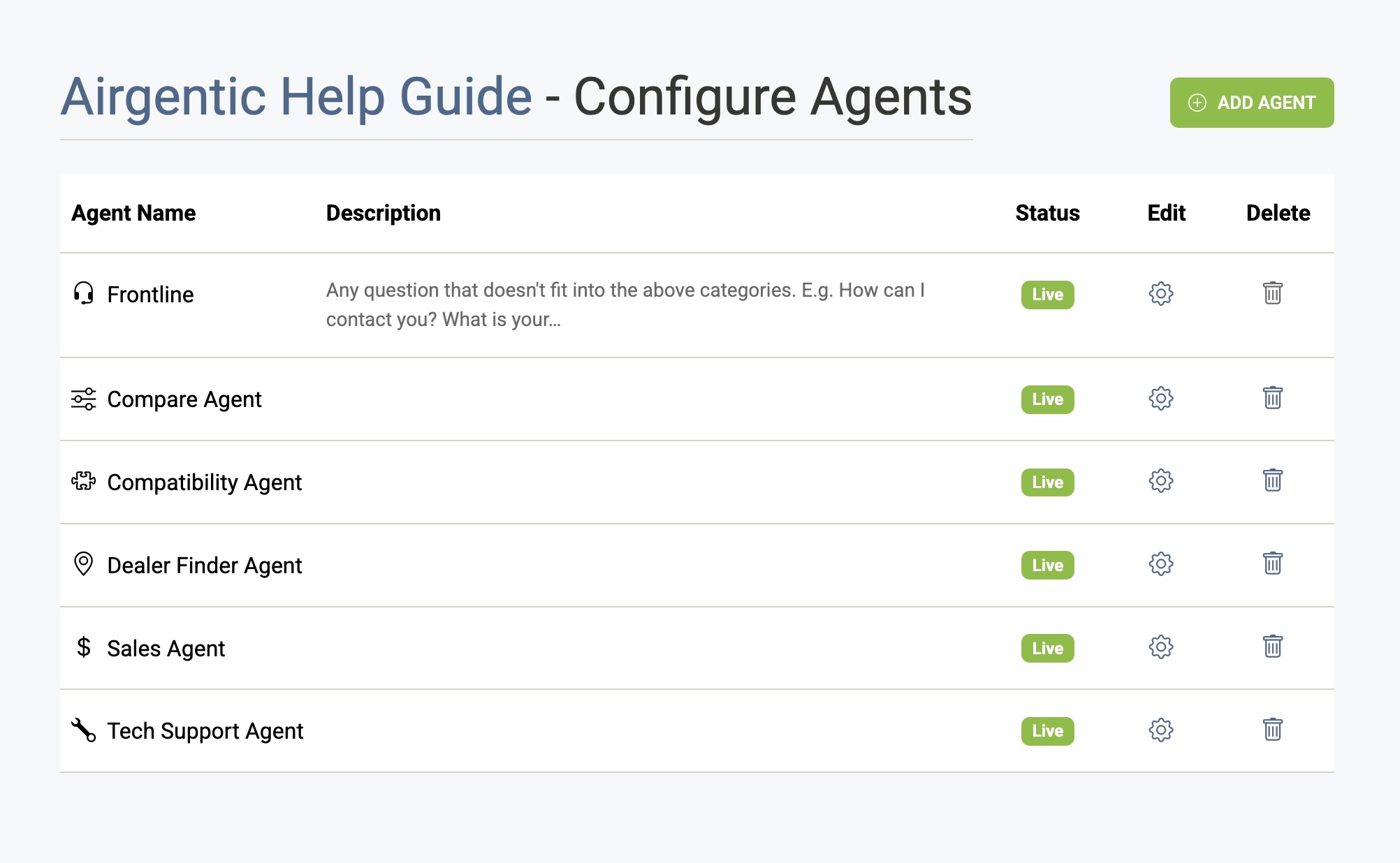
The Agent List
Each row shows:
| Column | Description |
|---|---|
| Agent Name | The agent's display name and icon. |
| Description | A short summary of the agent's role, drawn from its Role field. |
| Status | Live (active for all users), Testing (Admin Chat only), or Off (disabled). |
| Edit | Opens the agent configuration screen. |
| Delete | Permanently deletes the agent (not available for the Frontline agent). |
Click any row to open the agent configuration, or click the gear icon directly.
The Frontline Agent
The Frontline agent is a special built-in agent that handles all questions by default and decides whether to delegate them to a specialist agent. It is always active and cannot be deleted. Many of its configuration fields are disabled on the edit screen.
Adding an Agent
Click Add Agent and enter a name using letters, numbers, and spaces only. The agent is created with a status of Off. After creation, open it to set its role description, prompt, and functions.
See Creating an Agent for the full step-by-step workflow.
Deleting an Agent
Click the trash icon on any non-Frontline agent. You will be asked to confirm — deletion is permanent and cannot be undone.