Help
Service Configuration General
Airgentic Help
The General tab of Service Configuration holds the core identity settings for your service: what it is called, where it lives, and how it appears in the admin console.
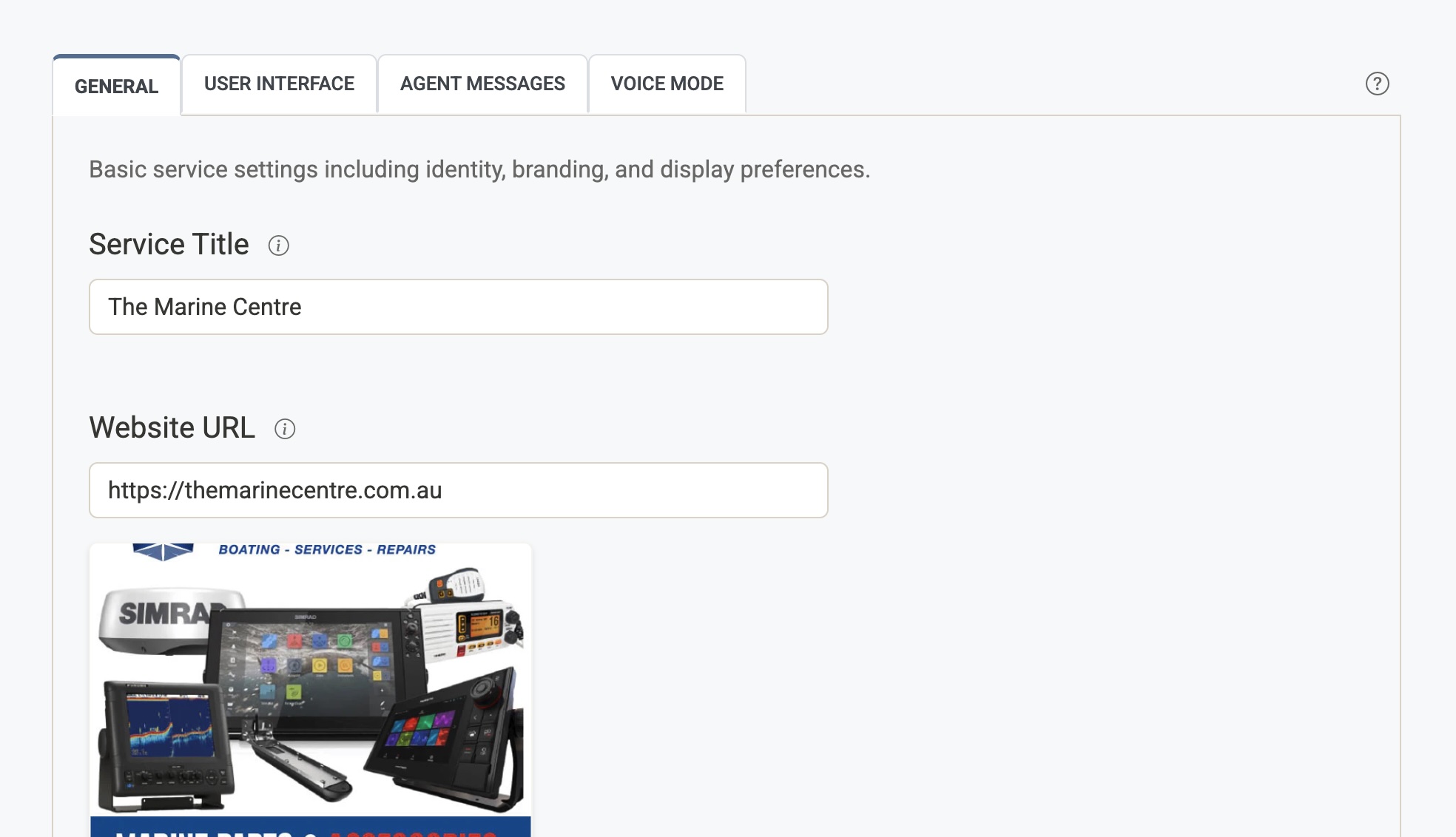
Service Title
The name of your service as shown throughout the admin console. This title is also passed to the AI in some prompts to give it context about your organisation — for example, it may be used to help the agent introduce itself or answer questions about who it is.
- Keep it concise and recognisable (e.g.
Acme Support,City Council AI).
Website URL
The URL of the live website where this service is embedded (e.g. https://www.example.com).
This is used in the admin console only — it is not sent to end users. Its purpose is to help administrators quickly navigate to the live site from the console, and to generate a preview card showing the site's title, description, and thumbnail image.
Logo
The logo displayed in the admin console alongside this service.
- If a Logo URL field is shown, you can set a custom URL pointing to any publicly accessible image.
- If no Logo URL field is shown, the logo is automatically fetched from your website's favicon using the Website URL above.
The logo is shown in the admin console only and has no effect on what end users see.