Help
Account Overview
Airgentic Help
The Account Overview screen shows a summary of your Airgentic account and provides access to user management and account-level administration.
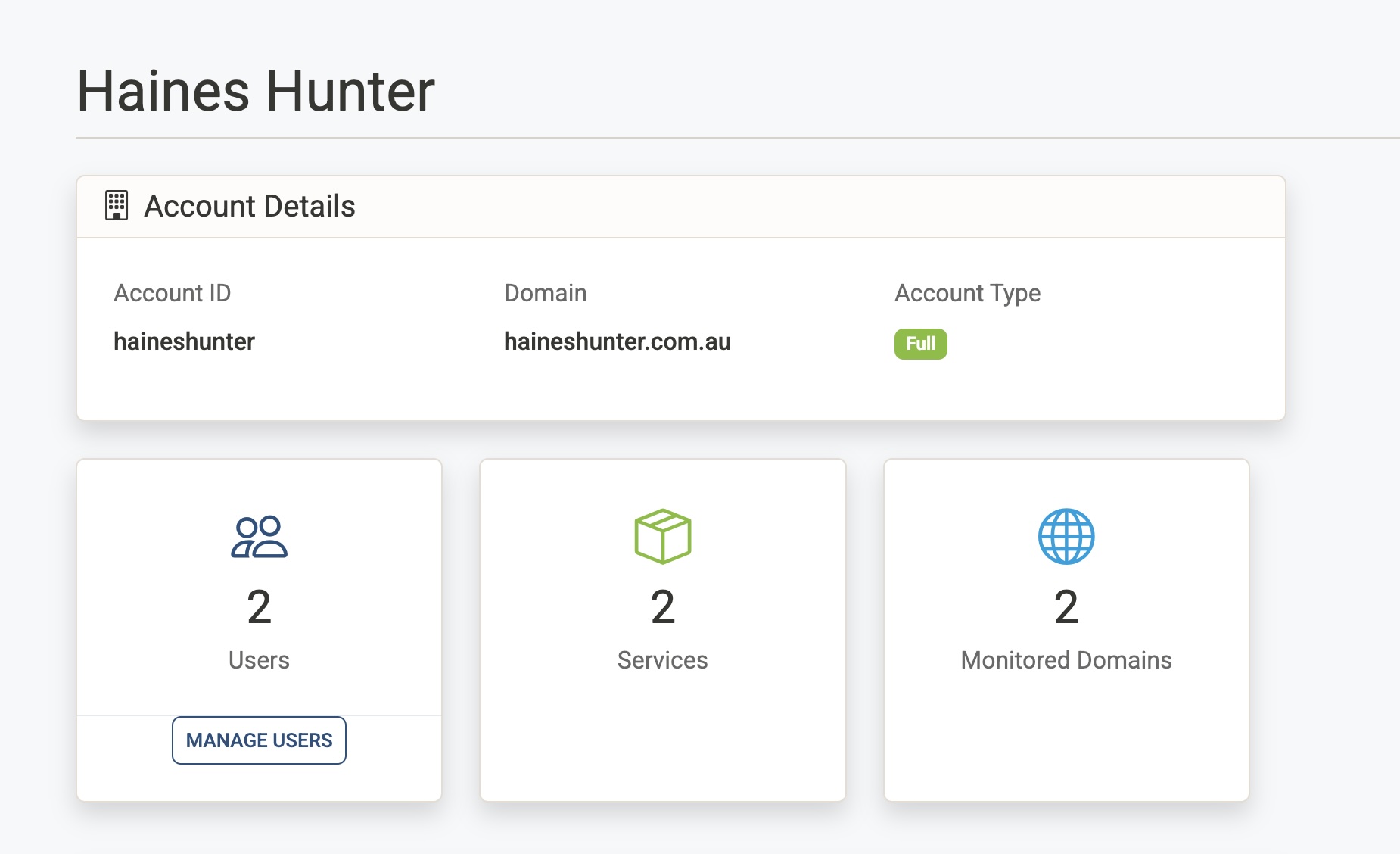
Account Details
Displays read-only information about your account:
| Field | Description |
|---|---|
| Account ID | The unique identifier for your account. |
| Domain | The primary domain associated with your account. |
| Account Type | Trial, Subscription, or Full — indicating your current plan. |
Summary Counts
Three cards show the current totals for your account:
- Users — The number of users who have access to your account. Click Manage Users to add or remove users and manage their roles.
- Services — The number of Airgentic services configured for your account.
- Monitored Domains — The number of domains being tracked by the AI Visibility Monitor.
Manage Users
Click Manage Users from the Users card to open the user management screen, where you can:
- Invite new users by email
- Assign roles (Customer Admin, Agent, Conversation Analyst or Visibility Analyst)
- Remove existing users
Danger Zone
The Danger Zone section is visible to account administrators only. It allows permanent deletion of the entire account.
Deleting the account will permanently remove:
- All users and their access
- All service configurations
- All monitored domains and visibility data
- All GEO reports, crawl data, and analytics
- All subscription and billing history
This action cannot be undone.
To proceed, click Delete Account. A confirmation dialog will appear asking for optional feedback (why you are leaving, and what would make you stay). To prevent accidental deletion, you must type DELETE in the confirmation field before the button becomes active.